Reduce Background Screen Noise: 10-Min Focus Reset
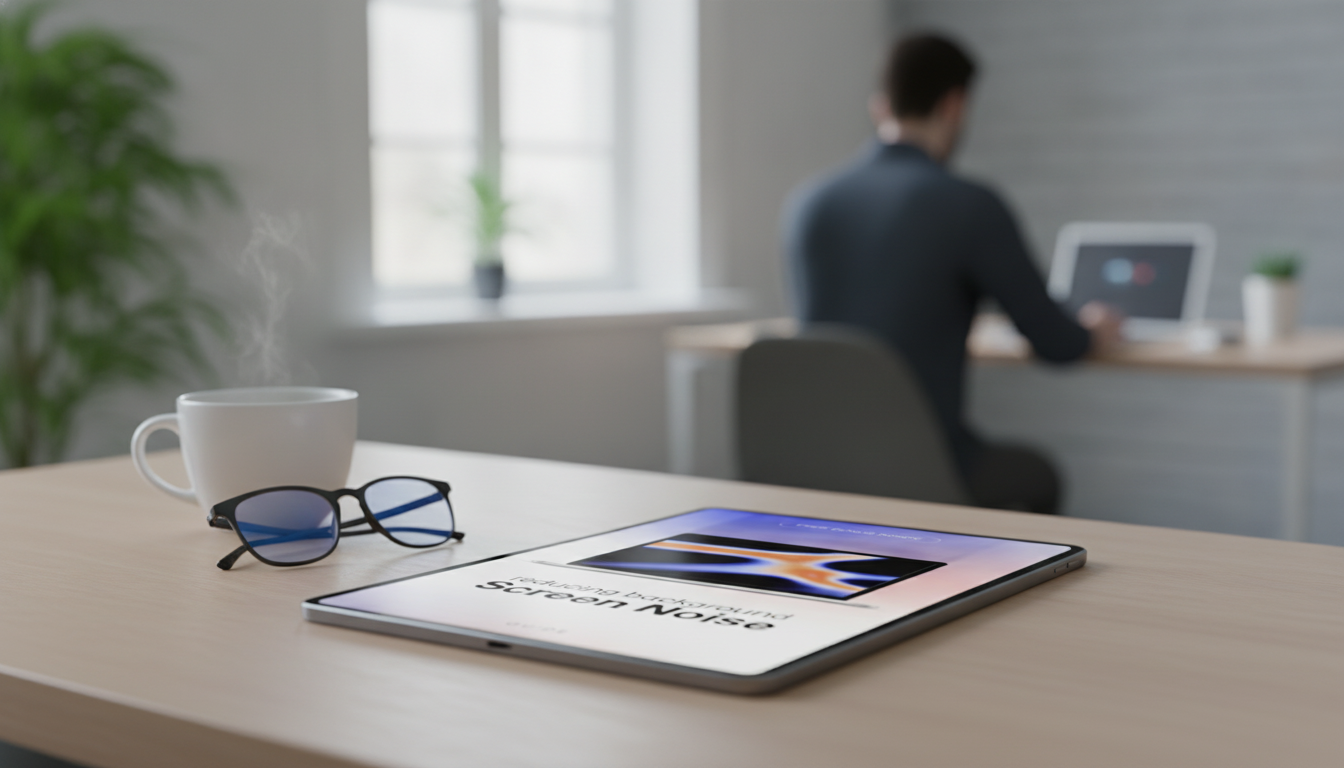
Reducing Background Screen Noise: A Practical Digital Guide for Better Focus and Calmer Screens
Background screen noise can quietly drain attention—persistent notifications, cluttered tabs, visual chaos, and constant switching that makes deep work harder than it needs to be. A simple, repeatable system can reduce distractions without requiring a new device, a perfect workspace, or hours of setup. This guide-style approach helps build a cleaner digital environment, protect focus, and keep productivity steady across workdays and study sessions.
What “background screen noise” looks like day to day
Screen noise isn’t always loud. Most of the time, it’s the low-level “static” that keeps attention half-splintered.
- Visual clutter: too many open tabs, crowded desktop, unread badges, layered windows competing for attention
- Interruptions: notifications, chat pings, calendar pop-ups, email banners, app update prompts
- Context switching: jumping between tasks, apps, and windows without clear start/stop points
- Decision fatigue: repeatedly choosing what to click next instead of following a set flow
- Mental residue: partially finished tasks left visible, creating a constant sense of “unfinished”
Why screens feel noisy (and why willpower isn’t enough)
Most digital platforms are engineered to win attention, and attention is a limited resource. The APA Dictionary of Psychology definition of attention captures the core issue: attention involves selectively concentrating on some stimuli while ignoring others. Screens make that “ignoring” harder because new stimuli keep arriving.
- Attention is pulled by novelty: new messages, alerts, and updates are designed to be noticed immediately
- Unclear priorities amplify distraction: when the next action isn’t defined, the brain seeks easier stimulation
- Open loops create pressure: visible reminders (tabs, drafts, sticky notes) keep the mind scanning
- Digital environments lack natural boundaries: unlike a closed notebook, a screen can keep expanding infinitely
- A system beats motivation: simple default settings and routines prevent repeated “should I check?” moments
Think of it like basic hygiene for your accounts and devices: reducing unnecessary inputs, tightening what has access, and keeping things orderly. The mindset is similar to maintaining clear, controlled access and settings, like the principles behind the NIST Digital Identity Guidelines (even if your goal is focus, not security).
Fast changes that reduce noise in 10 minutes
A quick reset works best when it’s specific and slightly strict. The goal isn’t a “perfect” system—it’s fewer pulls on attention in the next hour.
- Silence nonessential notifications: disable banners/sounds for social apps and non-urgent updates
- Set a single capture point: one notes app or inbox for ideas so they stop living in open tabs
- Close loops visually: archive or file completed downloads, screenshots, and temporary documents
- Create a clean “focus surface”: one full-screen window for the current task, everything else minimized
- Replace default home screens: set a blank start page or a simple to-do view instead of a news feed
10-minute reset checklist
| Action | Goal | Example setting |
|---|---|---|
| Disable banners for non-urgent apps | Fewer interruptions | Turn off lock-screen + banner alerts |
| Clear desktop downloads | Lower visual clutter | Move to a single “Inbox” folder |
| Pin the 3 core tools | Reduce app hopping | Pin calendar, notes, and task list only |
| Set focus mode | Protect deep work blocks | Allow only calls + calendar alerts |
| Close unused tabs | Cut context switching | Keep 5–7 tabs max per task |
A repeatable system: reduce noise, protect focus, finish tasks
Instead of trying to “be disciplined” all day, use a short loop you can repeat: define the target, narrow the workspace, protect inputs, capture interruptions, and end with closure.
Step 1 — Define the “focus target”
Pick one task outcome for the next 25–60 minutes. Make it concrete: “Draft the intro and outline” beats “work on the report.”
Step 2 — Build a frictionless workspace
Open only the files, tabs, and apps required for that outcome. Everything else gets minimized, closed, or moved to a different browser profile. This is the difference between a calm screen and a screen that keeps asking questions.
Step 3 — Control inputs
Batch email and messages to set times rather than responding constantly. If needed, keep one emergency channel open—but define what counts as urgent (for example: time-sensitive client changes, a same-day schedule shift, or a family call).
Step 4 — Use a simple “parking lot”
When an interruption pops up (a thought, a request, a link to check), capture it without switching tasks. A single note titled “Parking Lot” is enough. The rule: write it down in 10 seconds, then return to the focus target.
Step 5 — End with closure
Screen hygiene habits that keep the noise from returning
Tools and settings that help (without overcomplicating the setup)
Using a digital guide effectively (instant download workflow)
For a ready-to-use checklist format, see Reducing Background Screen Noise | Digital Guide for Reducing Background Screen Noise, Focus & Productivity | Instant Download.
Common obstacles and quick fixes
Optional add-ons for a quieter digital routine
- Bluetooth MP3 MP4 Player with 4.0″ Touchscreen for listening without bouncing between apps and notifications.
- Mini 8GB Voice Recorder Digital Audio MP3 Player USB Pen with Earphones to capture thoughts or meeting notes fast, without opening extra tabs.
FAQ
What is background screen noise?
Background screen noise is persistent digital distraction and visual clutter—notifications, badges, tabs, banners, and pop-ups—that fragments attention even when you’re not actively engaging with it.
How quickly can screen noise be reduced without changing devices?
Most people can feel an immediate difference in about 10 minutes by turning off nonessential alerts and cleaning up visual clutter. With a day of simple routines and a week of repetition, the quieter setup tends to stabilize.
Will reducing screen noise hurt responsiveness to urgent messages?
Not if essentials stay allowed (calls, key contacts, calendar) while everything else is batched to specific times. The key is defining what counts as urgent and keeping a single backup channel for real exceptions.





Leave a comment